English
 German
 Hungarian
 Dutch
Dutch
 Spanish
 French
 Italian
 Czech
Czech
 Polish
 Greek
Greek
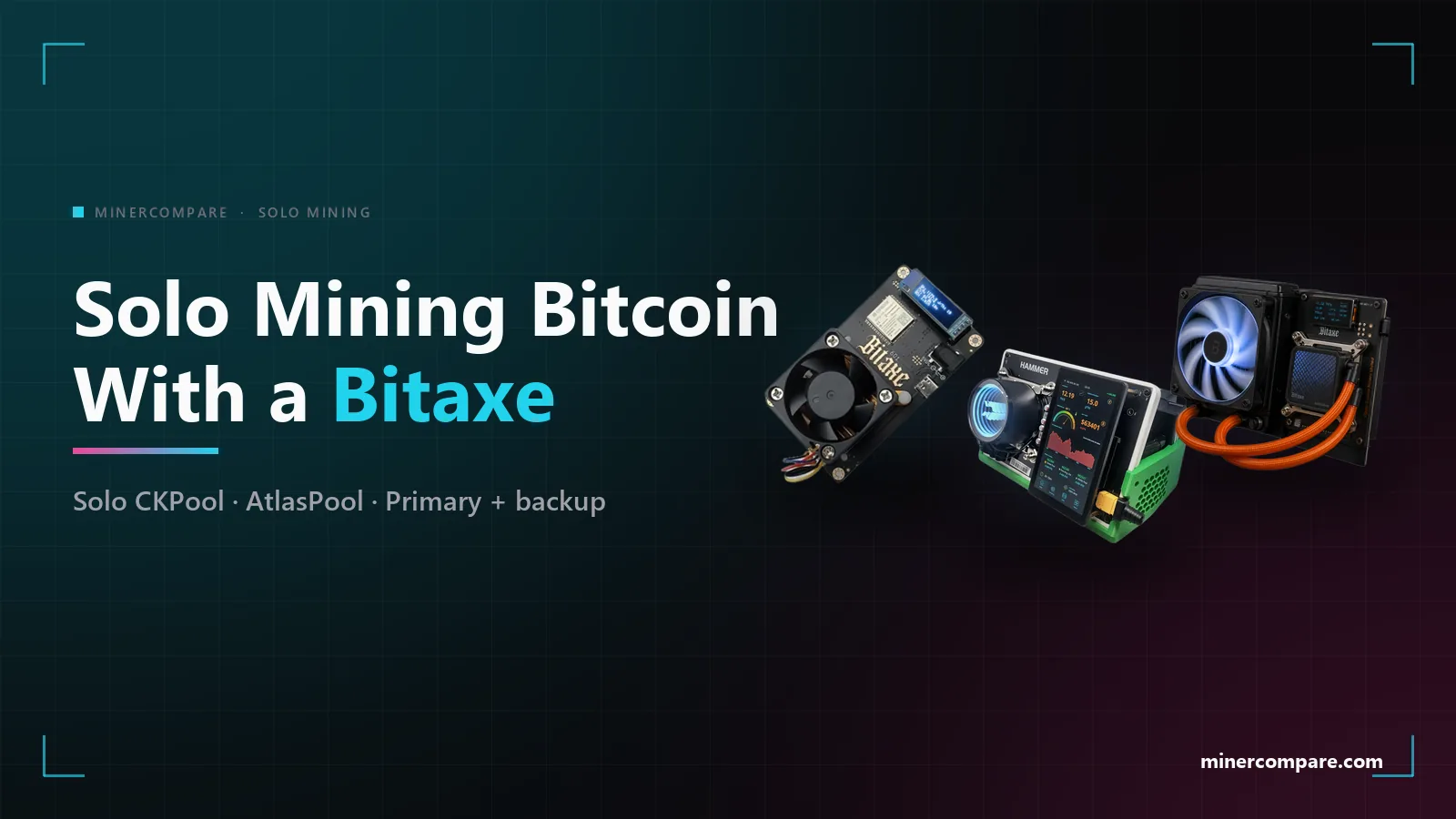
A Bitaxe will happily hash for weeks against a pool that never shows it, and the reason is almost always share difficulty. Solo mining Bitcoin with a sub-terahash or low-terahash home miner works well on a pool whose difficulty floor fits the device, and badly on one that was tuned for industrial machines. This guide explains what share difficulty is, why it decides whether you appear on a pool at all, and the exact primary and secondary pool settings we use: Solo CKPool first, AtlasPool second.
Why a small miner can vanish from a solo pool
A pool cannot see your hashes; it only sees your shares. Your miner computes billions of hashes a second, and the pool asks it to report only those that clear a chosen target, called the share difficulty. Every reported share is proof that the work was done, and the pool estimates your hashrate from how many arrive per minute.
If the target is too high for the device, shares become rare events. A Bitaxe on a pool that starts at a high difficulty may go many minutes between shares, or far longer for a smaller board. The dashboard then shows no hashrate, a hashrate that jumps around, or a worker that appears and disappears, and some pools drop a connection that stays silent for too long.
Nothing is wrong with the miner in any of those cases, and nothing has been lost: the tickets are still being drawn. What breaks is the pool's ability to prove it.
The maths of one share
The average wait for one share is the difficulty times about 4.3 billion, divided by your hashrate. That is plain Stratum arithmetic, and it is why the same pool can feel instant on one miner and dead on another. Hashrate is in hashes per second, and the answer is in seconds.
seconds = difficulty x 4,294,967,296 / hashrate (H/s)
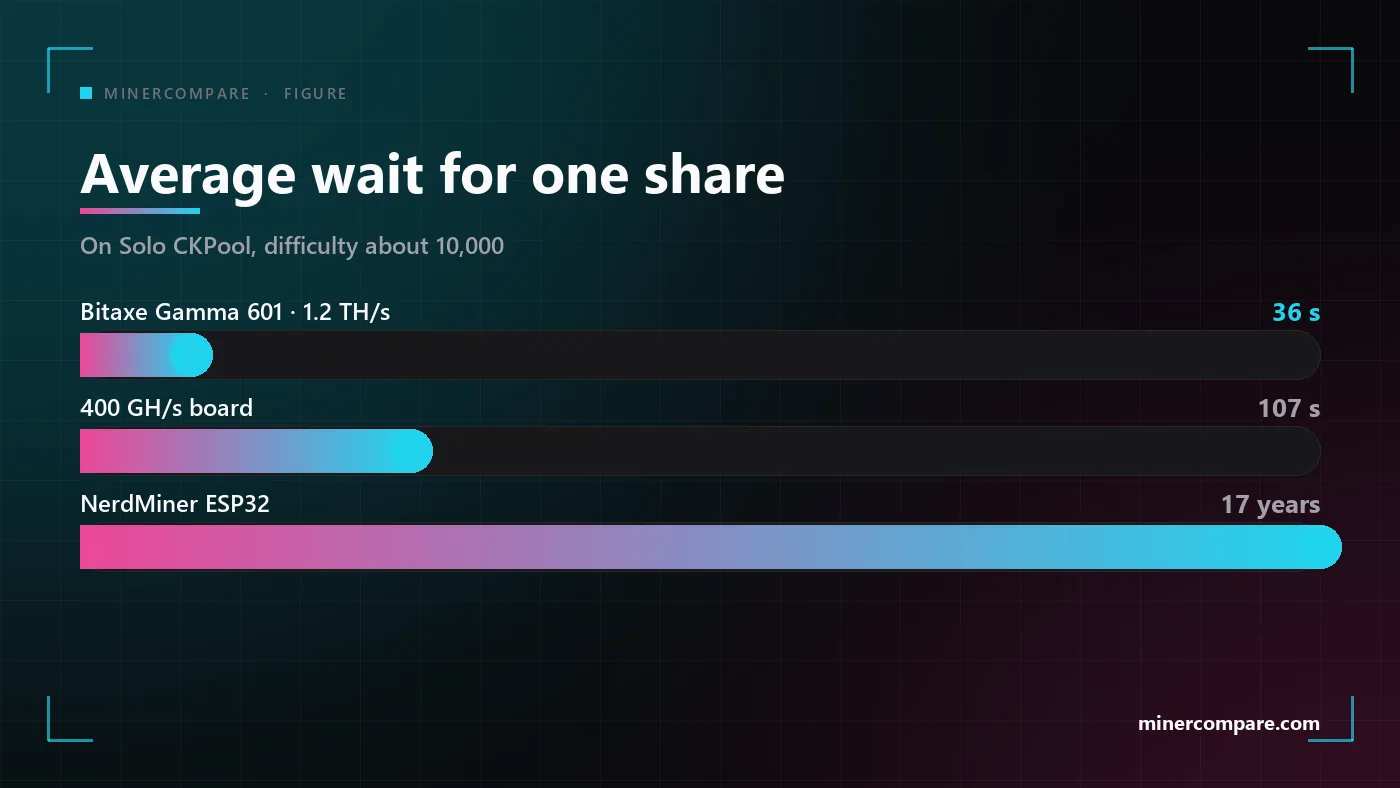
The table applies it to three devices and to the two difficulty floors we meet in this guide. The Bitaxe Gamma sits comfortably inside both. The smallest hashrate AtlasPool wants, 400 GH/s, still gets a share about every twenty seconds there, but waits close to two minutes on a floor of ten thousand. An ESP32-based NerdMiner is off the table by orders of magnitude.
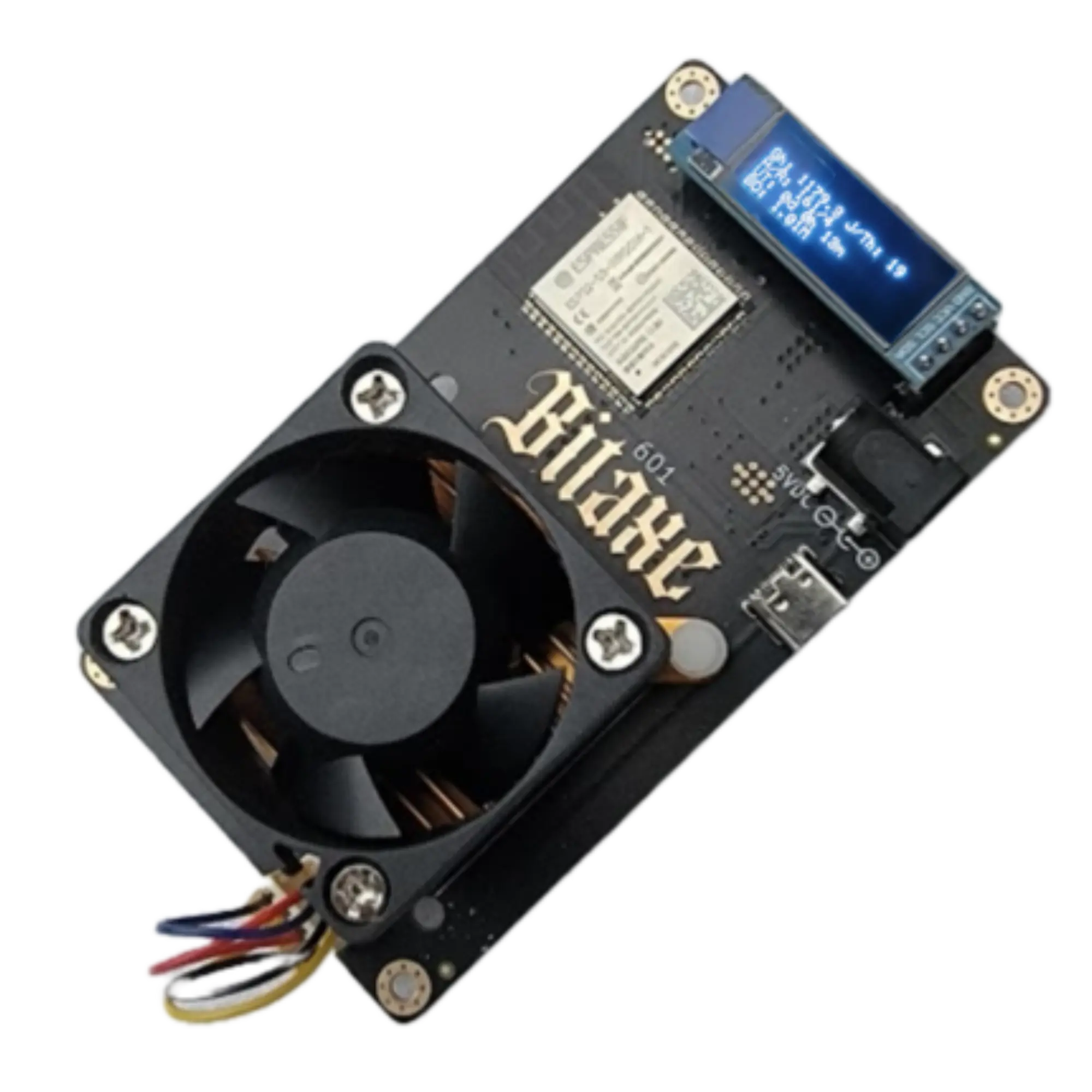 Bitaxe Gamma 601 (1.2TH)
| Miner | Hashrate | Wait for one share on Solo CKPool | Wait for one share on AtlasPool |
|---|---|---|---|
| Bitaxe Gamma 601 | 1.2 TH/s | ≈ 36 s | ≈ 7 s |
| Smallest board AtlasPool accepts | 400 GH/s | ≈ 107 s | ≈ 21 s |
| NerdMiner (ESP32) | ≈ 80 KH/s | ≈ 17 years | ≈ 3.4 years |
Primary pool: Solo CKPool
Solo CKPool is the pool we put in the primary slot of every Bitaxe. It is the long-running solo pool written by the author of the ckpool software, it needs no account, and a block is paid straight to the address you mine with. In our tests, as of October 2026, it was steady from the first minute, and over more than ten thousand submitted shares fewer than 0.2 percent were stale.
Its difficulty floor is around ten thousand at the start, and a one-terahash miner clears that easily. The pool itself documents a minimum share difficulty of ten thousand, and it charges a two percent fee that is taken only from a block you find. A Bitaxe Gamma submits a share every half minute or so, which is plenty for the pool to track its performance smoothly after a short ramp-up.
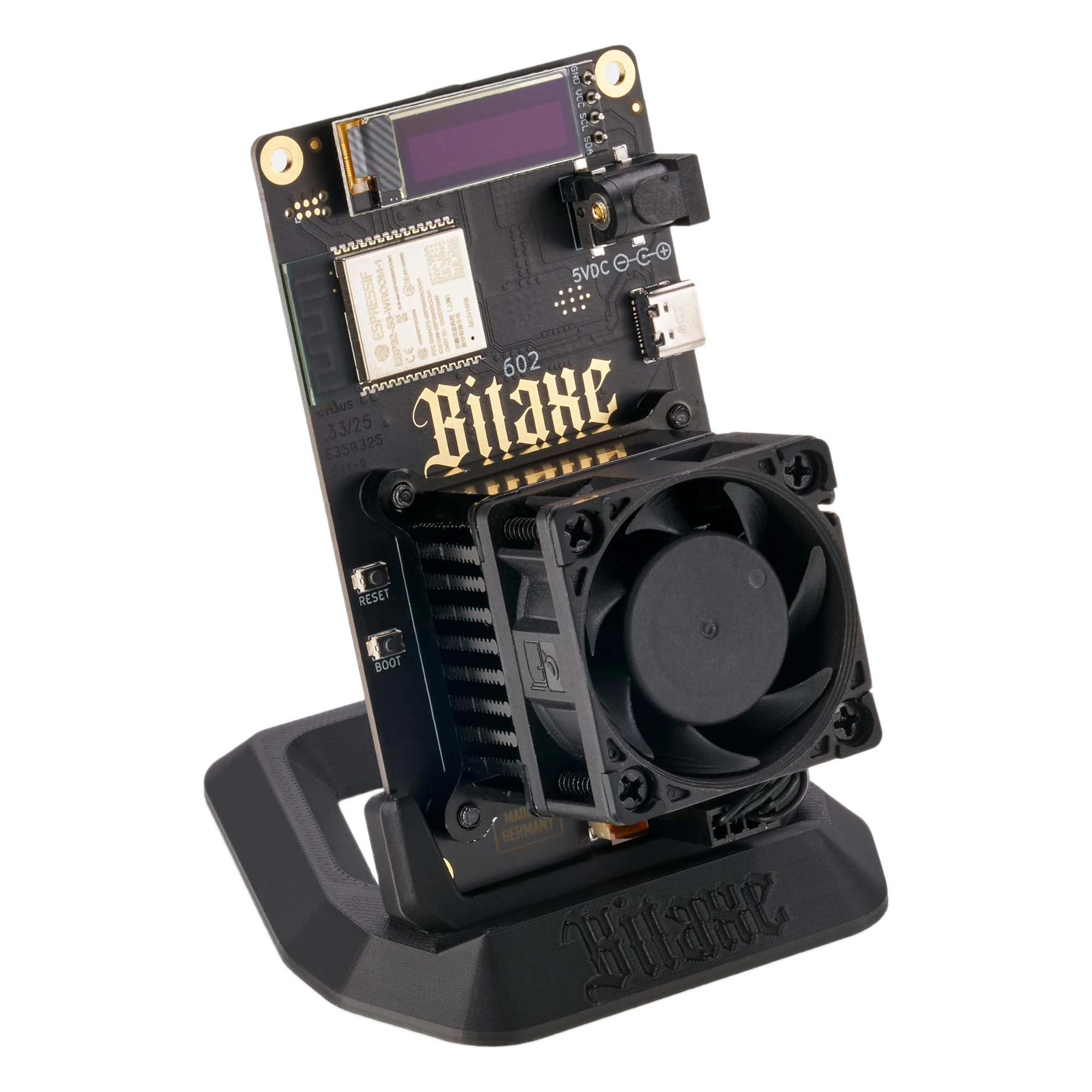 Bitaxe Gamma 602 (1.3TH)
Settings for the Bitaxe web page
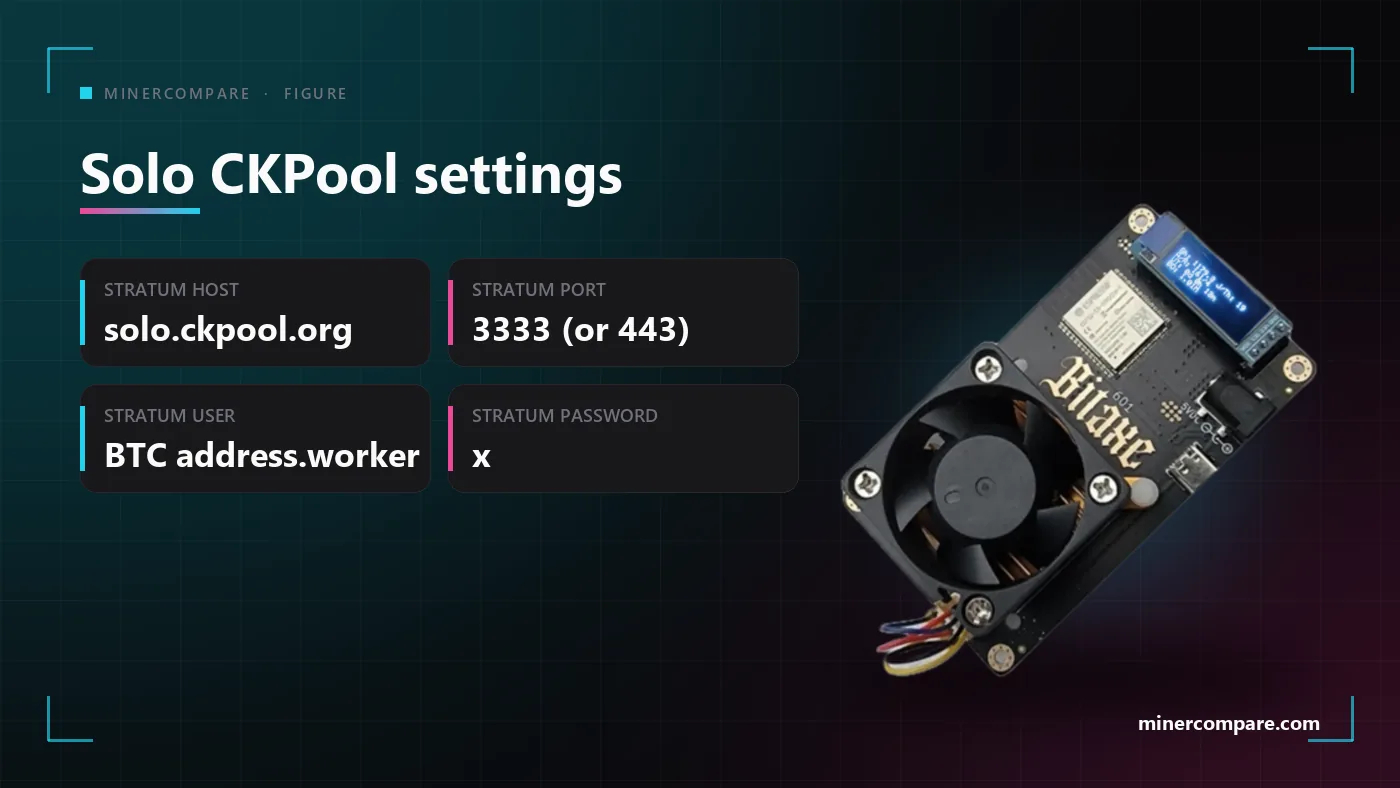
Stratum Host:     solo.ckpool.org
Stratum Port:     3333  (or 443)
Stratum User:     YOUR_BTC_ADDRESS.bitaxe1
Stratum Password: x
Port 443 reaches the same pool and is there for networks that block port 3333. The worker name after the dot is free text, so use a different one on every miner and you can tell them apart on the pool page. The pool publishes its own description and live statistics at the address below. solo.ckpool.org
Secondary pool: AtlasPool
AtlasPool lets you start lower, which makes it a responsive second choice for sub-terahash and single-terahash hardware. In our tests its minimum difficulty is two thousand, which fits a miner of roughly 400 GH/s and up. A Bitaxe Gamma, around one terahash, works very well there: shares arrive within seconds and the dashboard settles quickly.
 Bitaxe Gamma Turbo (2.4TH)
Settings for the Bitaxe web page
Stratum Host:     stratum.atlaspool.io
Stratum Port:     3333
Stratum User:     YOUR_BTC_ADDRESS.bitaxe1
Stratum Password: x
The floor has a limit on the other side too: below it, you do not show up. Devices under about 400 GH/s struggle to produce shares at a difficulty of two thousand, and ultra-low-power boards such as NerdMiners that hash below 1 GH/s did not appear on the dashboard in our tests. The pool describes itself as a Bitcoin solo pool and shows its statistics on the page below. atlaspool.io
| Pool | Role | Host and port | Difficulty floor | Fits a miner of |
|---|---|---|---|---|
| Solo CKPool | Primary | solo.ckpool.org:3333 / 443 | ≈ 10,000 | ≈ 1 TH/s + |
| AtlasPool | Secondary | stratum.atlaspool.io:3333 | 2,000 | ≈ 400 GH/s + |
Primary, secondary and third slot
The primary pool does the work; the other slots only exist for the day it fails. Bitaxe firmware has a primary and a fallback pool, and when the primary connection drops the miner moves to the next entry and keeps hashing. A solo miner has one goal, to keep its tickets in the draw, so the fallback must be another solo pool for the same coin.
Primary: Solo CKPool
The steady pool that fits a one-terahash miner from the first minute. Everything runs here on a normal day.
Secondary: AtlasPool
A different operator with a lower difficulty floor, so an outage at the first pool cannot take both slots offline.
Third slot: another solo endpoint, if your firmware has one
Not every firmware offers a third entry. If yours does, use another Bitcoin solo pool or a second endpoint of a pool you trust, never a regular payout pool.
Why not a regular pool as the backup? A regular payout pool turns every share into a small, steady credit and gives up the whole-block lottery. If it sits in a fallback slot, a long outage at the primary pool quietly converts your solo miner into a normal one. Keep the fallback solo and the ticket stays a ticket.
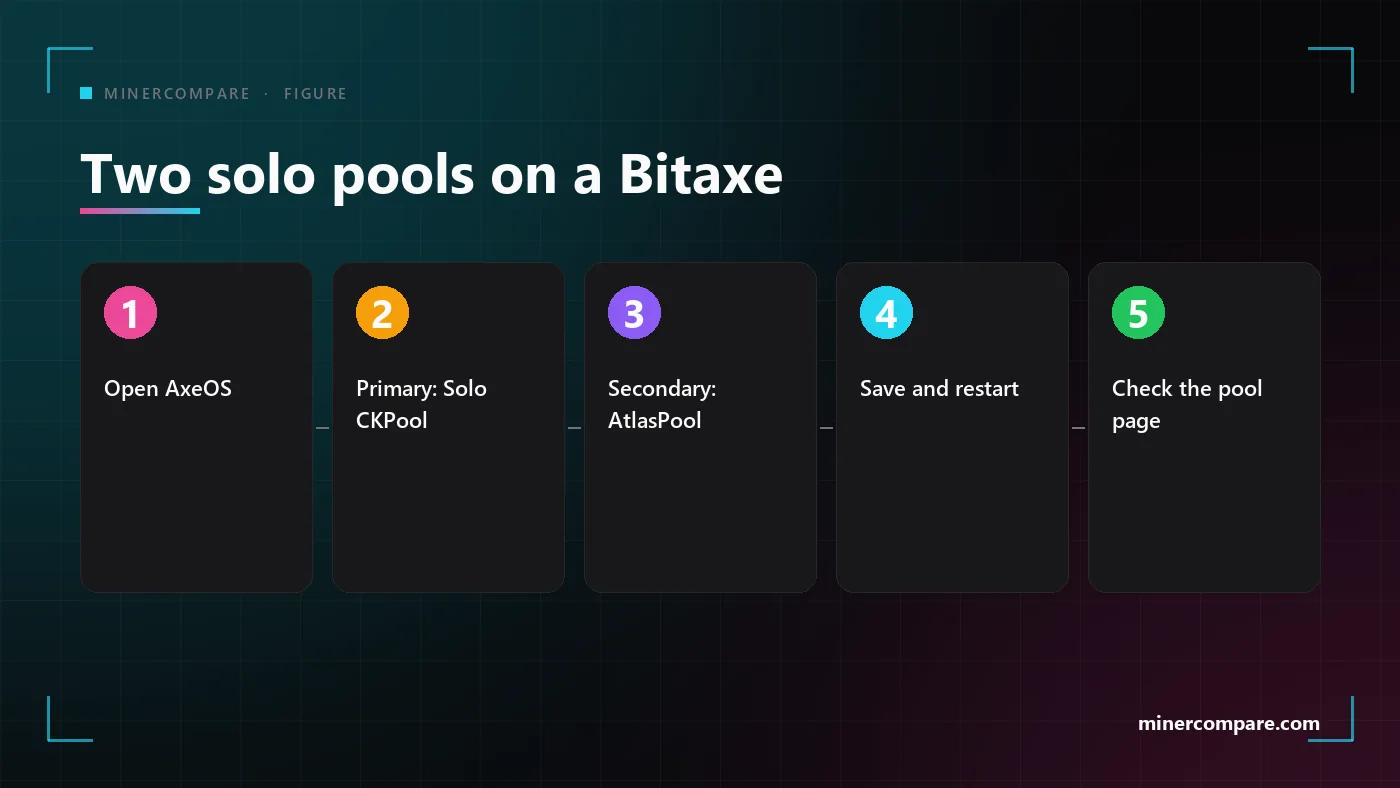
Entering both pools on the Bitaxe
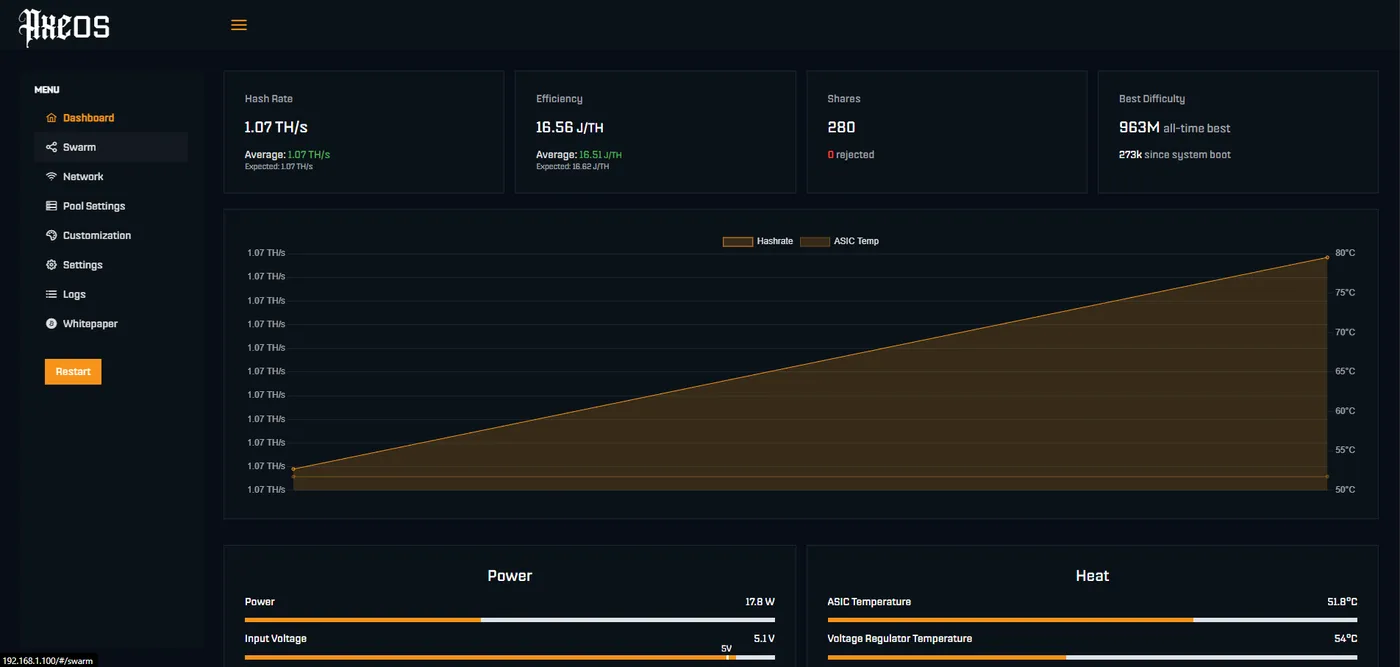
Enter the primary pool on the Bitaxe pool page, then the fallback below it, using the same Bitcoin address and a worker name in both. Save, let the miner restart, and open the pool page for your address to confirm that shares are arriving. A pool you have never seen shares on is worth testing once with a short manual switch before you rely on it.
What about a NerdMiner?
A NerdMiner is a very small ticket, and it needs a very forgiving pool. The ESP32 boards behind that name hash in kilohashes, millions of times slower than a Bitaxe, so a floor of two thousand or ten thousand means a wait measured in years. In our tests a miner below 1 GH/s never showed up on the AtlasPool dashboard.
The honest answer is that neither pool in this guide is built for it. A NerdMiner needs a pool whose variable difficulty can fall far below the floors above, and that is a different search. Our first solo guide covers the small-miner options, the address rules and the other chains, and it is the better place to start for a board of that size. Solo Lottery Mining Beyond Bitcoin: BTC, BCH and LTC + DOGE Dual Solo Mining Setup Guide
Troubleshooting a solo pool connection
Work through these in order. Most failed connections are one of the first three.
- The pool shows no worker at all. Check the address first: it must be a valid Bitcoin address with no spaces, followed by a dot and the worker name. Then check the host and the port against the settings above, and do not paste the stratum+tcp:// prefix into a field that only wants the host.
- The worker appears, but the hashrate is zero or jumps around. That is the symptom of a difficulty floor that is too high for the device. Give it ten minutes, and if the dashboard is still empty, move the miner to the pool with the lower floor.
- The miner will not connect. Try port 443 instead of 3333, which passes through restrictive networks, and confirm the miner is on a network that allows outgoing connections. A router with a strict firewall is a common cause.
- Many rejected or stale shares. Rejected shares usually mean the miner is hot or overclocked and produces hardware errors. Lower the frequency or improve cooling until the pool and the miner report a similar hashrate.
- The miner switched pools by itself. That is the failover doing its job. Look at the primary pool, and re-enter it or restart the miner once it is reachable again.
What the odds look like in 1 in N terms
Every solo miner on MinerCompare shows block odds instead of profit. The odds are your hashrate divided by the network hashrate, multiplied by the number of blocks the chain produces in the period. The solo lottery page computes that for every miner from the live network figures and shows it as 1 in N per day, month and year, together with the block value and the electricity it takes to buy those tickets.
As of October 2026, a miner of about one terahash faces odds in the millions to one for any single day and in the tens of thousands to one for a whole year. That is a lottery ticket, not a salary, and it is the reason this guide talks about stability and settings instead of income. Read the live figure on the page below instead of trusting a number printed here. Solo Lottery Miners · Bitcoin coin page
The solo lottery page lists every lottery miner we track for both algorithms, rated by daily block odds, with your electricity rate applied as the yearly ticket price.
See every solo miner with live oddsIf pools in general are new to you, or if you want to understand what the largest Bitcoin pools charge and how they pay, the next articles cover it, and the setup article walks through the miner itself. Bitcoin Mining Pools Explained: The Largest Pools, Fees and Payout Methods · How to Set Up an ASIC Miner: Power, Network, Pool and Cooling, Step by Step · Bitcoin Home Mining in 2026: How Solo Lottery Miners Work and Which One to Buy · Crypto Mining Pools · Mining Guide
Bottom line
Put Solo CKPool first, AtlasPool second, and keep both solo. A Bitaxe or any miner of roughly a terahash clears both difficulty floors, appears on both dashboards, and keeps its tickets in the draw if one pool is down. A miner of a few hundred gigahash fits AtlasPool better, and a NerdMiner needs a different kind of pool altogether.
 HammerMiner BC08 (12TH)
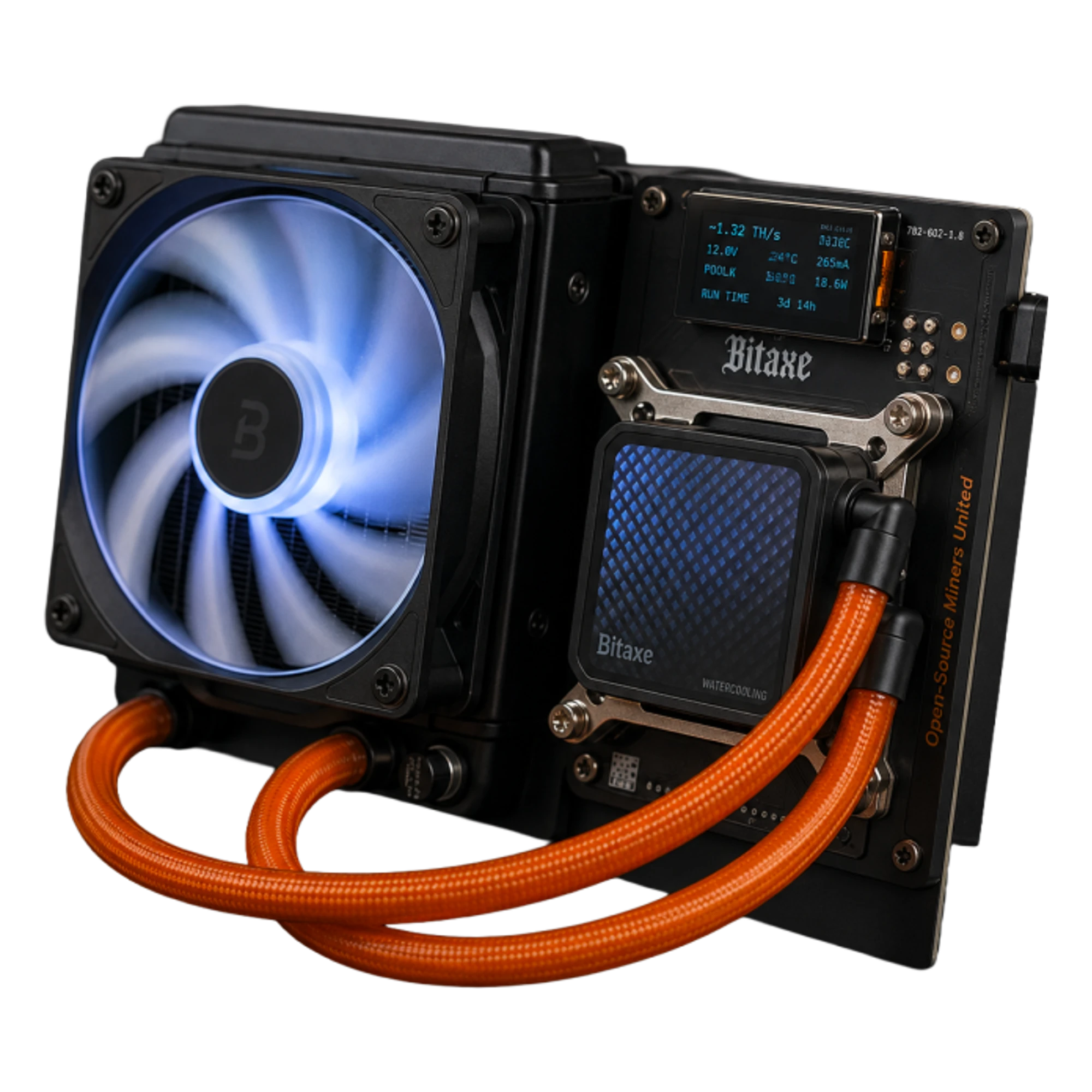 Bitaxe Gamma Hex (8.4TH)
Set the four fields once, confirm shares on the pool page, and check it now and then like any other appliance. All pool figures here are from our own tests as of October 2026, so look at each pool's page when you set up.