English
 German
 Hungarian
 Dutch
Dutch
 Spanish
 French
 Italian
 Czech
Czech
 Polish
 Greek
Greek
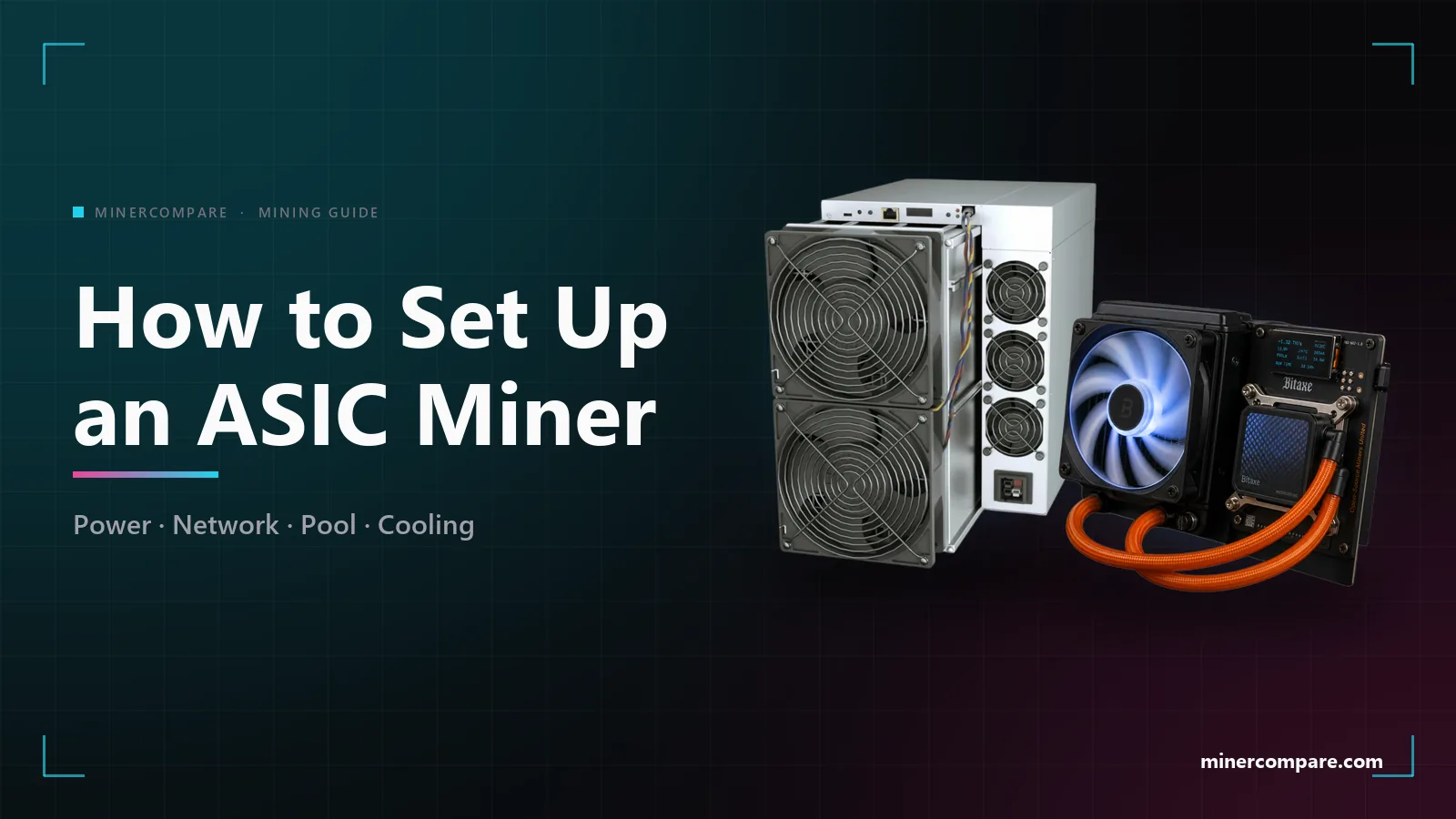
Setting up an ASIC miner takes an afternoon and no programming. This guide goes from the label on the box to the first accepted share: power and circuit, network and the address of the miner, pool settings, firmware, cooling and noise, monitoring, and what to check when the miner does not hash.
What you need before the box arrives
Five things decide whether the first day goes smoothly. A place that can take the heat and the noise, a circuit that can carry the load, a router with a free Ethernet port, a wallet address and an account on a mining pool.
Choose the machine first and check its profit at your own electricity price. Everything else on this page follows from the numbers on its label. Open the ASIC miner list · Read the ASIC miner buying guide
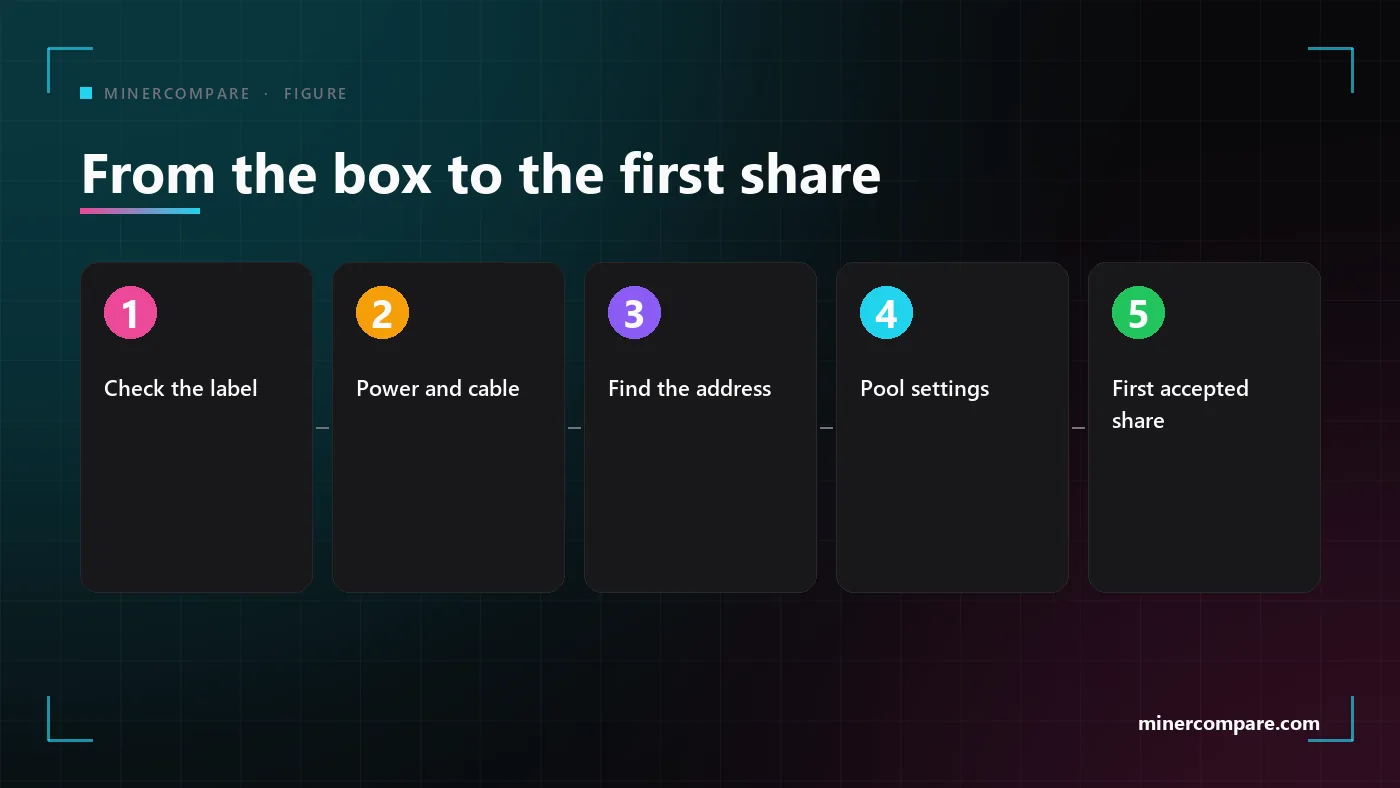
Check the label
Read the voltage and the power draw on the miner before you plug it in, and compare them with the circuit it will run on.
Connect power and cable
Use the power cable that fits the connector and an Ethernet cable to your router. Do not use a power strip.
Switch on and find the address
Wait two minutes for the fans to settle, then look for the new device in the client list of your router or in an IP scanner.
Open the web page and log in
Type the address into your browser, log in with the default login from the manual and change the password at once.
Enter the pool
Fill in the stratum address, worker name and password for the first pool slot, and a backup pool for the other two.
Save and check the status
Save the settings and open the status page. Within a few minutes the miner shows its hashrate and accepted shares.
Confirm on the pool
Open the dashboard of the pool and wait for your worker to appear. Compare its hashrate with the one on the miner.
Power: voltage, circuit and cables
Power is the part of the setup that can hurt you, so do it first and do it carefully. The label on the miner gives the input voltage and the power draw. Most full-size ASICs need 200 to 240 volts and draw 3,000 watts or more.
A circuit should never carry its full rating for hours. The usual rule is to keep a continuous load below 80 percent of the rating of the breaker, and a miner runs around the clock, so it counts as a continuous load.
| Miner power draw | Current at 230 V | Breaker rating to use |
|---|---|---|
| 1,500 W | 6.5 A | 10 A |
| 3,000 W | 13 A | 20 A |
| 3,500 W | 15.2 A | 20 A |
| 5,000 W | 21.7 A | 32 A |
The same arithmetic works for any miner: divide the watts by the voltage to get amps, divide by 0.8, and round up to the next breaker size. A typical example:
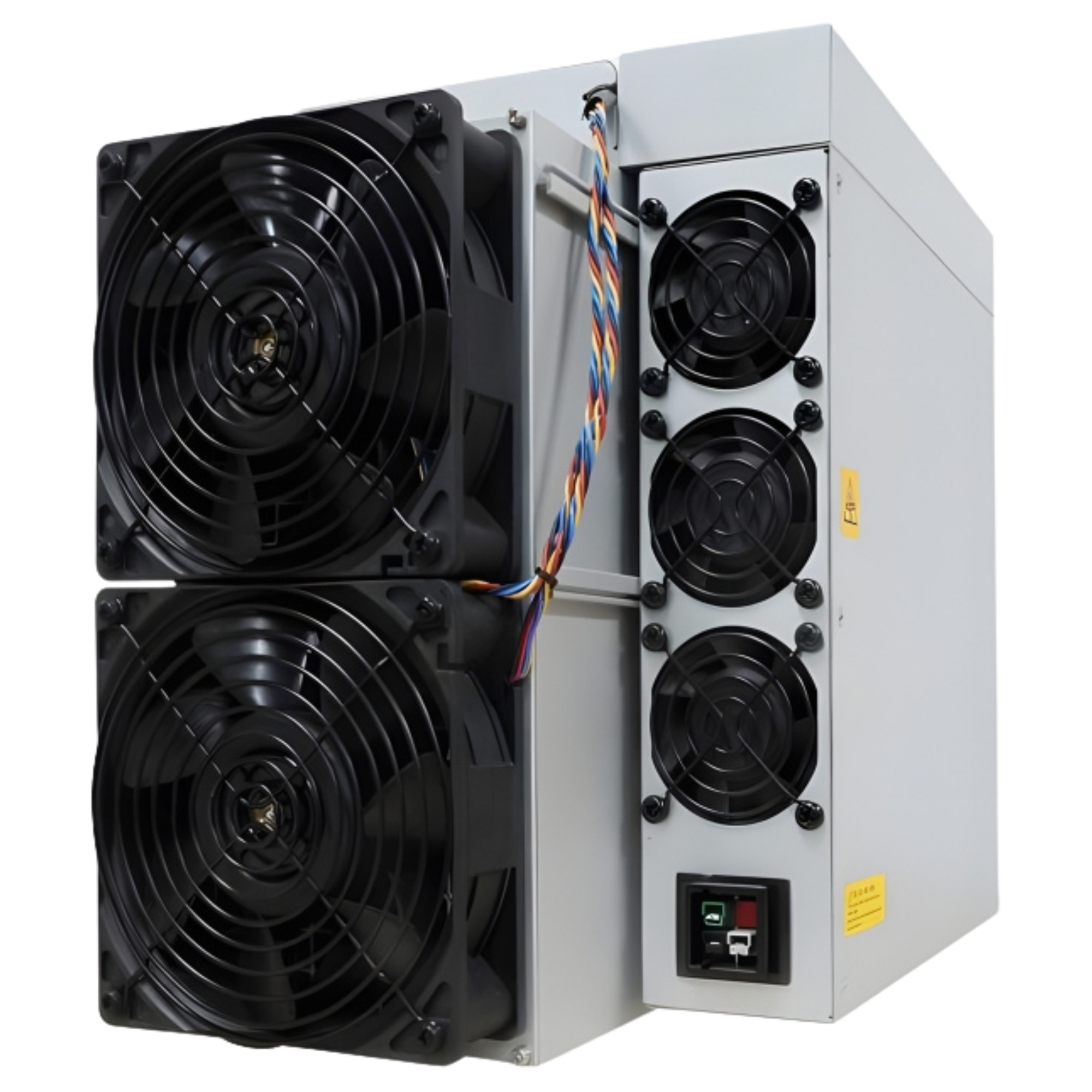 Bitmain Antminer S21 PRO (234Th)
- One circuit for the miner. Do not share it with a kettle, a heater or a second miner.
- The right cable. Use a power cable that is rated for the current and fits the connector without force.
- No power strips. A cheap extension cord or power strip is the usual cause of melted plugs.
- Feel the plug. After an hour under load, a plug or a cable that feels warm needs to be replaced before you carry on.
Network: cable, router and the miner's address
Connect the miner with an Ethernet cable. A full-size ASIC has a network port and no Wi-Fi. Plug one end into the miner and the other into your router or a switch behind it.
Your router hands the miner an address automatically, usually one that starts with 192.168. You need that address to open the settings page of the miner, and there are two easy ways to find it.
- The client list of your router. Log in to the router, open the list of connected devices and look for a new entry. Many miners show up under the name of the manufacturer or the model.
- An IP scanner. A free scanner such as Advanced IP Scanner or Angry IP Scanner lists every device on your network with its address, and the miner is the one with the manufacturer's name.
Type the address into the address bar of a browser on the same network. The settings page of the miner opens and asks for a login. Use the default login from the manual and change the password straight away.
A router can give the miner a different address after a restart. If you run more than one machine, set a fixed address for each of them in the router, so you always know which one is which.
Pool settings: stratum address, worker and password
The pool settings tell the miner where to send its work. Open the miner configuration page and look for three pool slots. Each slot has three fields.
URL:      stratum+tcp://<pool address>:<port>
Worker:   youraccount.worker1
Password: x
- URL. The stratum address and port of the pool for your coin. Copy it from the help page of the pool instead of typing it.
- Worker. Your pool account or wallet address, a dot and a name for this machine. The name is what separates your miners on the dashboard.
- Password. Most pools do not check it, so any text works. Some pools use it for settings such as a fixed difficulty.
Fill in pool 2 and pool 3 with a backup pool. The miner switches to them when the first pool does not answer, and switches back when it returns. Use a different pool for the backup, not the same one twice.
The pool you point at decides the payout method, the fee and the minimum payout. The table below is read from our pool data every time this page loads.
| # | Pool | Payout Methods and Fees | Minimum Payout |
|---|---|---|---|
| 1 | Foundry USA | FPPS | 0.01 BTC |
| 2 | AntPool | PPLNS 2% · FPPS 4% | 0.005 BTC |
| 3 | F2Pool | FPPS 4% · PPLNS 2% | 0.005 BTC |
| 4 | ViaBTC | PPS+ 4% · PPLNS 2% | 0.001 BTC |
| 5 | SpiderPool | PPLNS 1% · FPPS 4% | 0.005 BTC |
| 6 | MARA Pool | — | — |
| 7 | BinancePool | FPPS 4% | — |
| 8 | Luxor | FPPS 2.5% | 0.001 BTC |
Ranked by pool hashrate. Fees and payout methods are reported by the pools.
Every pool we list, for every coin, with its payout methods, fees and minimum payout. Filter by coin or search by name.
Compare all mining poolsHow the payout methods differ, and what a fee really costs, is covered in our article on the largest Bitcoin pools. Bitcoin mining pools explained
Firmware: stock or custom
Start with the firmware the miner ships with. It is the version the manufacturer tested, it keeps the warranty intact and it is enough to mine on any pool.
Custom firmware exists for many models. It can add finer tuning of frequency and voltage, lower the power use or add features such as autotuning. In return it may void the warranty, and some versions take a share of your mining income as a fee.
Update the stock firmware only from the website of the manufacturer, never from a link in a message.
Cooling, heat and noise
Every watt a miner draws leaves it as heat. A 3,000 watt ASIC heats a room like three space heaters, and it does so all day. Plan where that heat goes before you plan anything else.
- Intake and exhaust. The miner pulls cool air in at one end and blows hot air out of the other. Keep both ends free, and lead the exhaust out of the room with a duct if you can.
- No closed cupboard. A miner in a closed space heats its own intake air and throttles or shuts down within minutes.
- Noise. The fans of a full-size ASIC are far louder than those of a PC. Put the machine in a garage, a basement or an outbuilding, and keep it away from rooms where people sleep.
- Dust. Clean the dust filters or the fan grilles regularly. A clogged intake looks like a hardware fault but is only a cleaning job.
Liquid-cooled and immersion models move the heat into water or oil, which is quieter and easier to reuse, but they need a loop or a tank. Check the cooling type of any model on its page before you buy.
Monitoring the first days
Two screens tell you whether the miner is healthy. The status page of the miner shows its hashrate, temperatures and fan speeds. The dashboard of the pool shows the hashrate the pool receives and the shares it accepted.
The two hashrates should be close. The pool figure is an average over time, so it lags behind and moves more slowly, but a difference of more than a few percent for a day means shares are lost somewhere.
Switch on the notification of the pool for offline workers. A message on your phone is the cheapest way to learn that a power cut, a router restart or a tripped breaker has stopped the miner.
When the first payout arrives, you know the whole chain works: miner, network, pool and wallet. Compare what you earn with the figure of the profit calculator for the same machine and electricity price. Open the Bitcoin mining calculator
When the miner does not hash
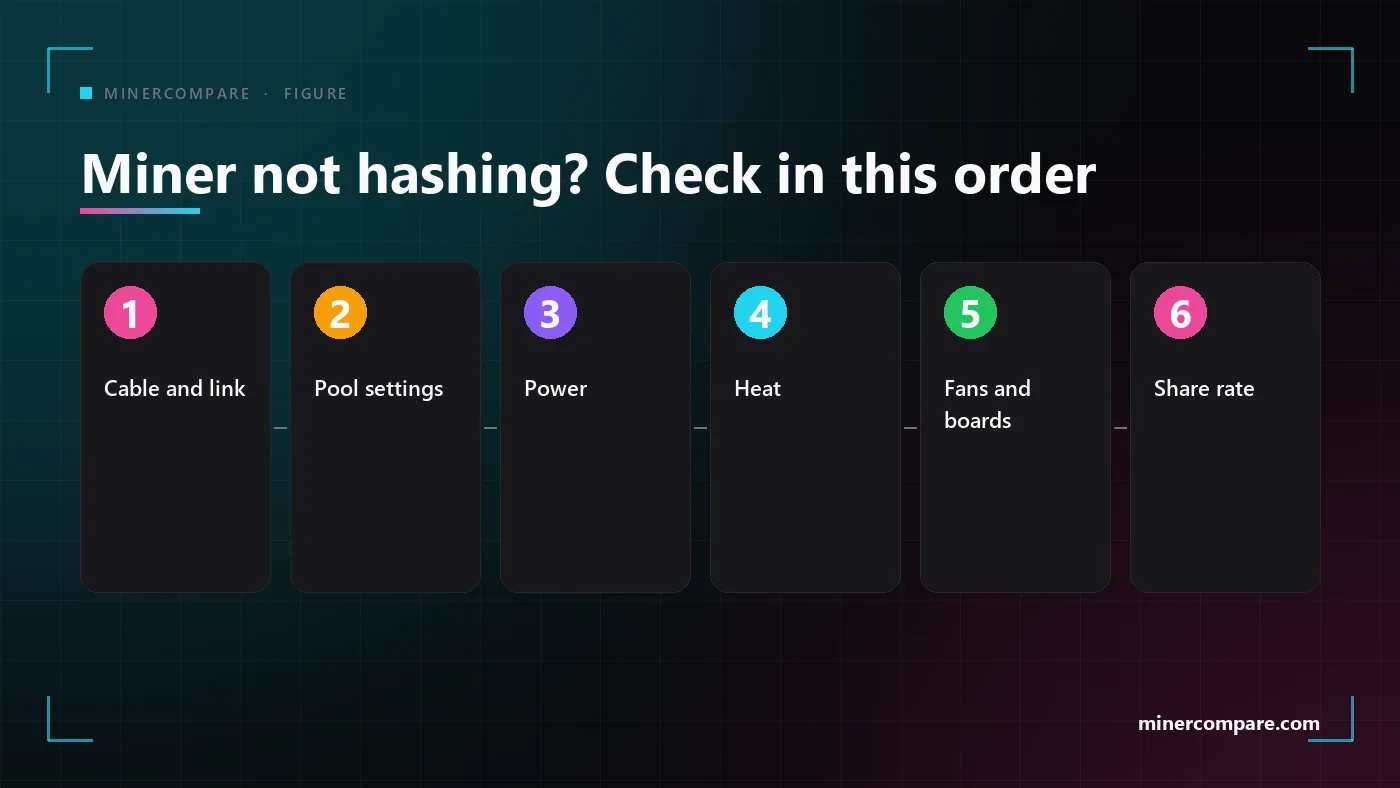
Work through these six checks in order. They are sorted by how often they are the cause, and the first three solve most problems.
Cable and link
Is there a link light on the network port, and does the miner show an address in your router?
Pool settings
Are the stratum address, the port and the worker name copied from the help page of the pool?
Power
Does the miner restart in a loop or report missing hash boards?
Heat
Are the fans at full speed and the temperature warning on?
Fans and boards
Is a fan stopped, or a hash board missing on the status page?
Share rate
Is the share of rejected shares higher than a few percent?
If a fan has stopped or a hash board is missing from the status page, the fault is in the hardware. Reseat the cables once, power the miner off and on, and if the error is still there, write to the seller while the warranty runs. See the verified vendors
Setting up a small lottery miner
A Bitaxe and a full-size ASIC are set up in almost the same way. The Bitaxe joins your Wi-Fi from its own setup page, shows its address on its screen and has the same three fields for the pool. A typical example:
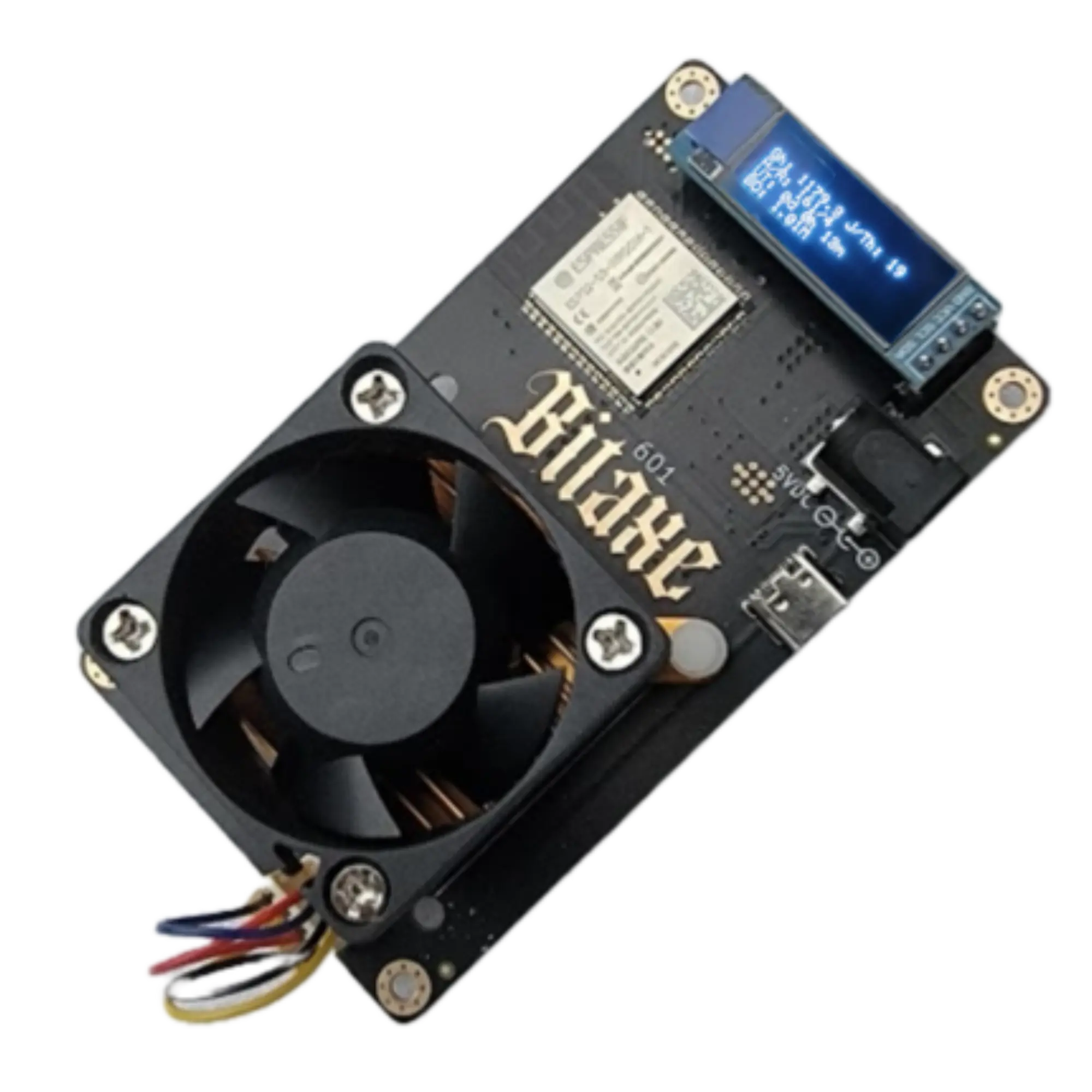 Bitaxe Gamma 601 (1.2TH)
The difference is the pool. A lottery miner points at a solo pool, which pays only when your own machine finds a block, and then you keep the whole reward minus a small fee. The block odds of every lottery miner we list, against the live network, are on the solo page. See the solo lottery miners · Solo lottery mining setup guide
A larger lottery machine needs a little more care with heat and power than a desk miner. A typical example:
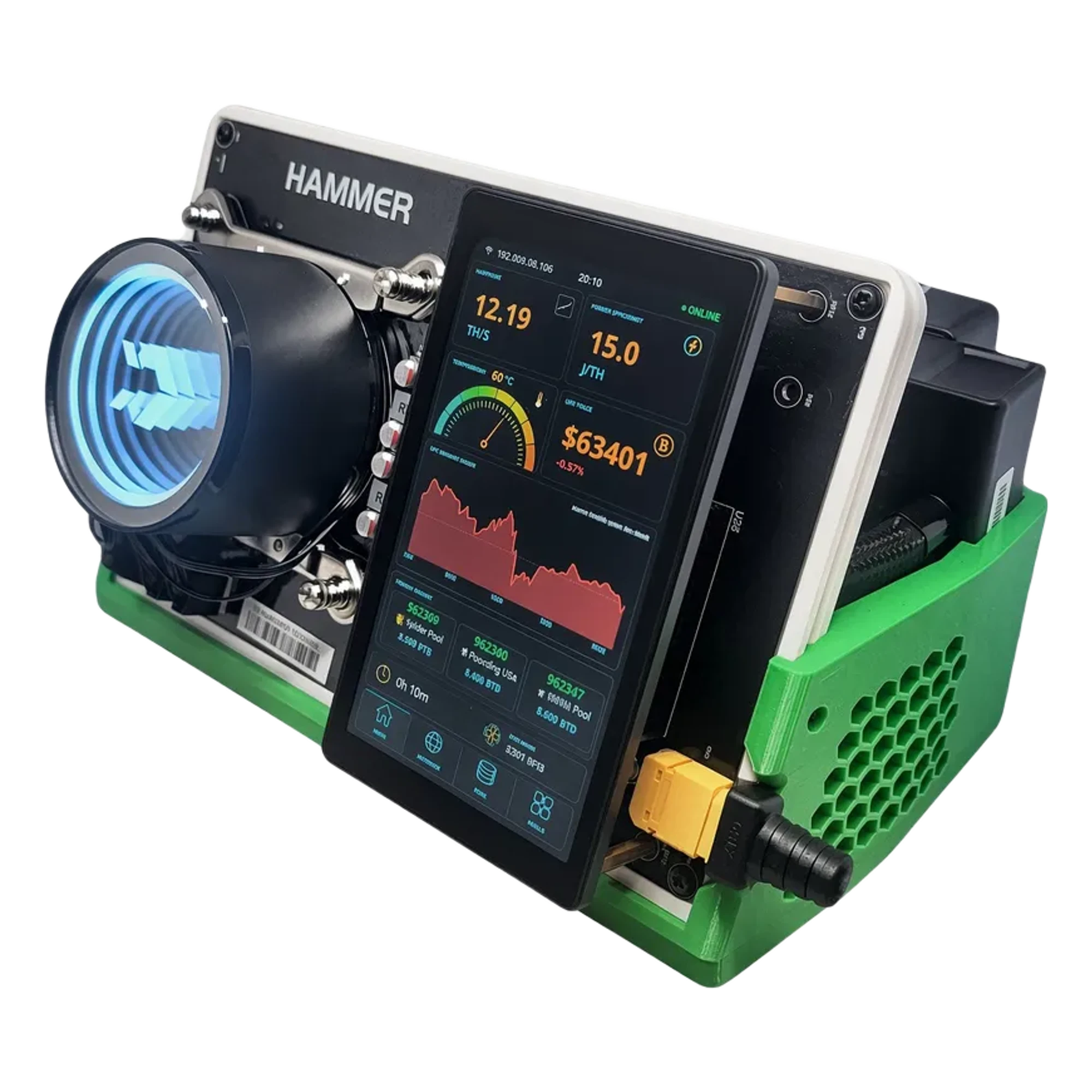 HammerMiner BC08 (12TH)
If you want to read on, these are the next steps: how the mining guide explains the technology behind the miner, how pools pay, and how to judge a machine before you buy it. Read the mining guide · Crypto coin profit calculator guide · Bitcoin home mining with solo lottery miners
Bottom line
A new miner needs a circuit, a cable, a pool and some air. Get the power right, find the address in your router, copy the pool settings from the help page of the pool, and give the heat somewhere to go.
Then watch the first day. If the miner and the pool agree on the hashrate, the setup is done, and the rest is electricity, patience and the occasional dust filter.