English
 German
 Hungarian
 Dutch
Dutch
 Spanish
 French
 Italian
 Czech
Czech
 Polish
 Greek
Greek
How to Start Crypto Mining: The Complete Guide
Read more Read less
Read more Read less
What Is Cryptocurrency Mining?
The short version: spending real computing power to earn the right to add the next block.
Bitcoin and the coins built on the same idea do not have a bank keeping the master ledger. Instead, thousands of independent machines around the world each keep their own copy of every transaction ever made, and they need a way to agree on what the next entry in that shared history should be — without trusting each other and without a referee. Mining is the answer: it turns "who gets to write the next page" into a race that costs real electricity to win, which makes cheating expensive and honesty the cheapest strategy available.
Concretely, a miner bundles up pending transactions into a candidate block and repeatedly runs that block through a cryptographic hash function while changing a small counter, hunting for an output that falls below a target set by the network. That hunt is called proof-of-work — proof that a real amount of computation actually happened. Whoever finds a valid result first broadcasts it, the rest of the network checks it in a fraction of a second, and the reward (new coins plus the fees attached to those transactions) goes to the finder.
This is also how new coins actually enter circulation. There is no printing press and no committee — coins are minted as the reward for the exact work described above, on a fixed, publicly known schedule. That is why the hardware you point at this problem matters so much, and why the next section spends time on the three broad categories of mining hardware: ASIC, GPU and CPU.
History & Origins of Mining
From a laptop CPU in 2009 to a purpose-built silicon industry today.
2008 — The whitepaper
An author (or authors) using the name Satoshi Nakamoto published the Bitcoin whitepaper, describing a peer-to-peer electronic cash system secured by proof-of-work instead of a bank. Mining was in the design from the very first page.
2009 — The genesis block
Block zero was mined in January 2009 on ordinary CPU hardware. For roughly the first year, every Bitcoin miner on earth was just a regular computer processor — there was no other option yet.
2010 — GPUs and the first pool
Miners realised graphics cards could compute the same hash far faster than a CPU, and GPU mining took over almost overnight. The same year, Slush Pool launched as the first mining pool, letting small miners combine hashrate and split rewards.
2013 — The ASIC era begins
The first application-specific chips built to do nothing but compute SHA-256 hashes shipped, outperforming GPUs by orders of magnitude. Within a couple of years, GPU mining Bitcoin itself stopped being viable at all.
2011–2015 — The altcoin fork
Litecoin (2011) picked Scrypt specifically to resist ASICs and stay GPU-friendly for longer. Ethereum (2015) built an entire GPU-mining economy around it. Each new algorithm reset the hardware race for that coin.
Today — A layered ecosystem
SHA-256 and a handful of other algorithms are pure ASIC territory now. Plenty of other coins are deliberately designed to stay GPU- or CPU-friendly, which is exactly why all three hardware categories are still alive side by side.
ASIC vs CPU vs GPU Mining
The algorithm a coin uses decides which hardware category can actually mine it.
ASIC Mining
An ASIC (application-specific integrated circuit) is silicon designed from scratch to compute one hashing algorithm and nothing else. That specialisation makes it hundreds of times more efficient than general-purpose hardware, at the cost of being unable to mine anything the chip was not built for.
Every current-generation Bitcoin, Litecoin and Kaspa miner on the market is an ASIC. Browse every model we track, with live profitability, on the ASIC miner page, or put two machines head-to-head on the miner comparison tool.
CPU Mining
A small number of coins deliberately use algorithms — RandomX is the best-known example — built to run efficiently on an everyday processor and gain almost nothing from specialised hardware. That keeps mining accessible from a regular desktop, with no extra hardware purchase at all.
It is a small, deliberate corner of the mining world, and it exists mainly to keep certain networks decentralised and resistant to ASIC monopolies. See which coins qualify on the coin page.
GPU Mining
A graphics card is a general-purpose parallel processor, not built for one algorithm — which makes it slower than an ASIC on the algorithms ASICs cover, but flexible enough to mine dozens of others reasonably well and to be repointed at a different coin entirely with a config change.
That flexibility is why a rig built from consumer graphics cards can still be repurposed years later. Compare current models on the GPU page.
One page settles which category applies to which coin: the coin page lists every coin we track and tags each one as CPU-mineable, GPU-mineable or ASIC-mineable, so you never have to guess whether the hardware you own — or are considering buying — can actually mine a given coin before you plug anything in.
How Mining Actually Works
From a pending transaction in your wallet to a permanent line in the ledger.
Every full node on the network — miner or not — keeps its own copy of the blockchain and independently checks that every block and every transaction obeys the rules. Miners are the subset of nodes that additionally compete to propose the next block. Nobody appoints them and nobody can stop them from trying; the competition itself is open to anyone with the right hardware. Here is what happens between you clicking send and that transaction becoming permanent.
Transactions hit the mempool
A broadcast transaction sits in every node's mempool — a waiting room of unconfirmed transactions — until a miner picks it up. Higher fees generally get picked up sooner, since miners assemble the most profitable block they can.
A candidate block is built
The miner selects a batch of mempool transactions, bundles them with a coinbase transaction (the block reward, paid to itself), and hashes the whole thing into a single block header ready to be worked on.
The hash race begins
The miner repeatedly changes a counter called the nonce and re-hashes the header, checking each time whether the result falls below the current difficulty target. There is no shortcut — it is trial and error at enormous speed.
Difficulty keeps the pace steady
Every network periodically retunes this target — Bitcoin every 2,016 blocks — so blocks keep arriving at a roughly constant interval no matter how much total hashrate joins or leaves the network.
The winning block propagates
The instant a valid hash is found, the miner broadcasts the full block. Every other node re-checks it independently in milliseconds — the proof-of-work that took immense effort to find is nearly instant to verify.
The chain and the reward settle
Once enough nodes accept the block, it becomes part of the canonical chain and the coinbase reward matures after a set number of confirmations. Every other miner drops their now-obsolete candidate and starts the next block.
Mining Pools: Why Almost Nobody Mines Alone
Finding a block by yourself, as the previous section described, is a genuine lottery on any coin with meaningful network hashrate — it could take a single machine years or effectively forever. A mining pool solves this by combining thousands of miners' hashrate into one submission, splitting the reward proportionally so that everyone gets a small, steady payout instead of a rare, enormous one.
That single idea — Slush Pool introduced it back in 2010 — is what actually made mining accessible to normal people, and it is worth understanding properly before you point a single machine at anything.
Read the full Mining Pools guideHow to Set Up an ASIC Miner, Step by Step
Power, network, pool and cooling: the practical part that most guides skip.
A miner arrives in a box with a power connector, a network port and its own web page, and that is all it needs. The seven steps below take a new ASIC from the box to its first accepted share, and the same order works for almost every model. Read the ASIC miner buying guide
Power: voltage, circuit and cables
Read the label on the miner for its input voltage and power draw before you plug anything in. Most full-size ASICs need 200 to 240 volts and draw 3,000 watts or more, so they belong on a circuit of their own.
Keep the continuous load below 80 percent of the rating of the circuit, use the power cables that fit the connector and never run a miner through a cheap extension cord or a power strip. If a plug or a cable feels warm, switch off and fix it first.
Network: use a cable
A full-size ASIC has an Ethernet port and no Wi-Fi, so connect it to your router or switch with a cable. Small desktop miners such as the Bitaxe have Wi-Fi and join your network through their own setup page.
Find the miner and open its web page
Look for the new device in the client list of your router, or run a free IP scanner on your network. The miner has an address like 192.168.1.50; type it into your browser, log in with the default login from the manual and change the password at once.
Pool settings: address, worker and password
Enter the stratum address of your pool, a worker name and a password for each pool slot. The worker name is usually your account or wallet address, a dot and a name for the machine; the password can be any text, such as x.
Fill in pool 2 and pool 3 with a backup pool so that the miner keeps working when the first pool is down.
Firmware
Every miner ships with the firmware of its manufacturer, and for a first setup that is the right choice. Custom firmware can add tuning and lower the power use, but it may void the warranty and some versions take a fee, so read the terms before you flash it.
Cooling and noise
An air-cooled ASIC moves a lot of air and is far louder than a PC. Put it in a garage, a basement or a ventilated room, give the intake cool air and lead the hot exhaust out of the room instead of letting it heat the space around the miner.
Monitoring
Check the page of the miner for its hashrate, temperatures and fan speeds, and the dashboard of the pool for the hashrate the pool sees. If the two numbers differ a lot for more than a day, something is wrong.
Most pools can send a message when a worker goes offline; switch that on.
Example pool settings
URL:      stratum+tcp://<pool address>:<port>
Worker:   youraccount.worker1
Password: x
Copy the real stratum address and port from the help page of your pool. Compare all mining pools
If Your Miner Does Not Hash
Six checks that fix most problems, in the order to try them.
No network
No link light on the port or no address in your router means the cable, the port or the router is the problem. Try another cable and another port first.
Wrong pool settings
A mistyped stratum address, a missing port or a wrong worker name gives a miner that runs but earns nothing. Copy the values from the help page of the pool instead of typing them.
Not enough power
A miner that restarts in a loop or shows missing hash boards is often starved of power. Check the voltage, the cable and whether the circuit is shared with another device.
Overheating
A temperature warning, fans at full speed or a sudden drop in hashrate means the heat cannot get out. Clear the air path and lower the room temperature before you touch any setting.
Fan or hash board errors
A fan that does not spin, or a hash board that is missing on the status page, is a hardware fault. Reseat the cables once, and if the error stays, contact the seller while the warranty runs.
Rejected shares
A few rejected shares are normal, but a high rate points to a bad network connection or to a pool server that is too far away. Switch to a pool server closer to you.
Small Solo Miners: A Different Kind of Setup
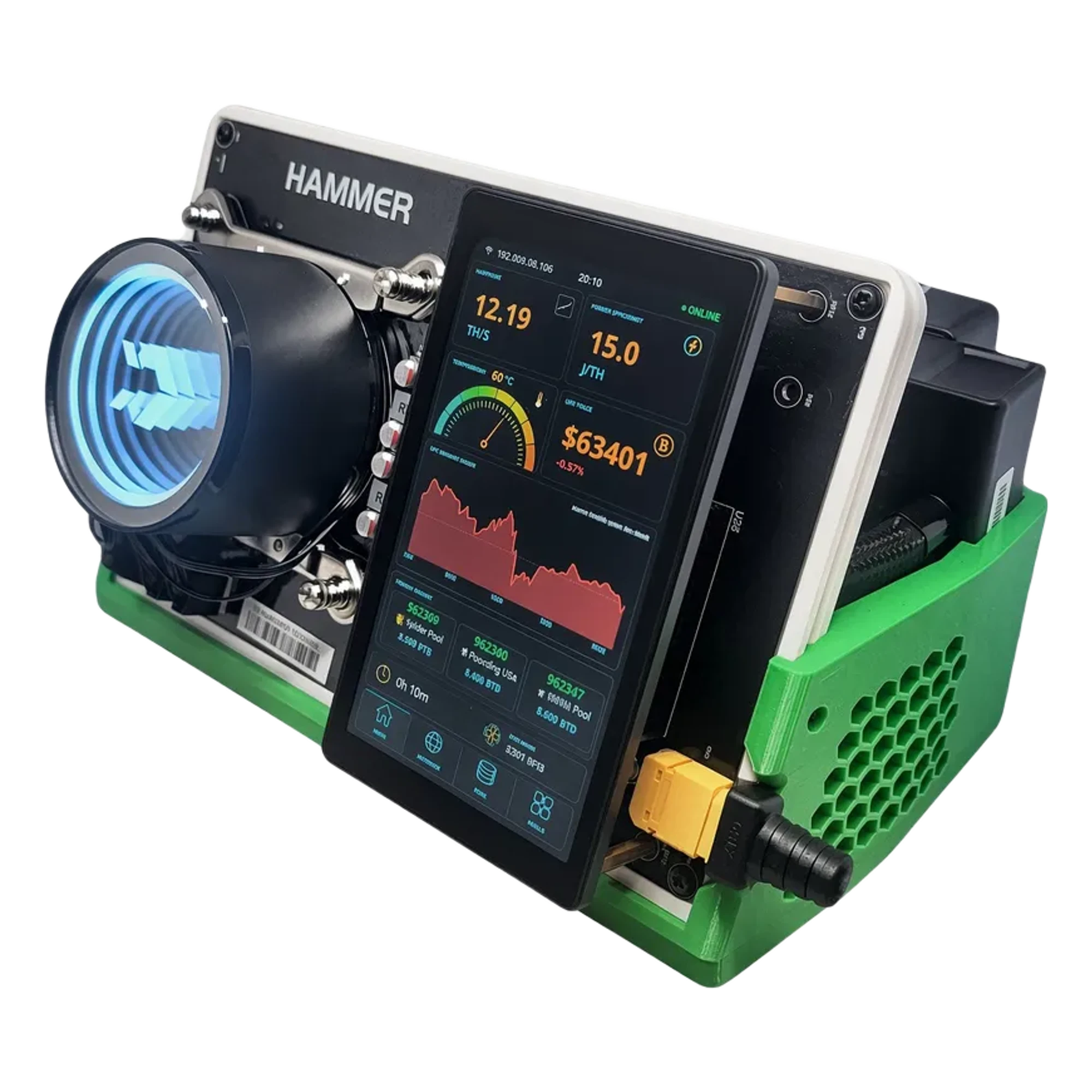
A lottery miner such as a Bitaxe or a NerdQaxe is not set up for a daily income. Its expected payout per day is close to zero, and what you get is a ticket in every block draw.
Judge such a machine by two numbers: the chance of finding a block, shown as 1 in N, and the cost of the electricity for that ticket. Our solo page lists both for every lottery miner, against the live network.
The setup is the same as above, with one difference: the pool is a solo pool, and it pays only when your own miner finds a block.
See the solo lottery miners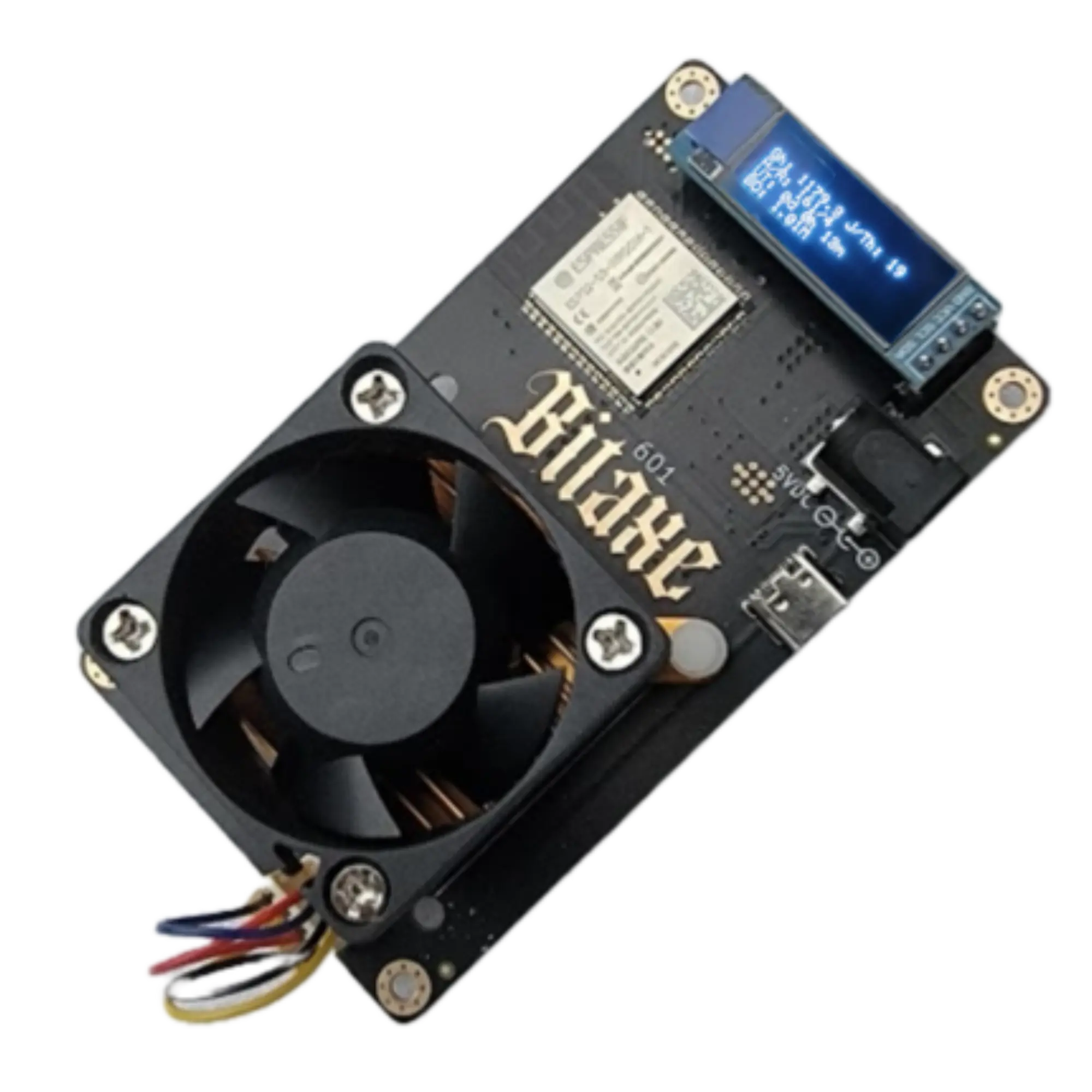
Pools to Point Your Miner At
These are the largest Bitcoin mining pools, read live from our pool data. Pick one, copy its stratum address and enter it in the pool settings of your miner.
| # | Pool | Payout Methods and Fees | Minimum Payout |
|---|---|---|---|
| 1 | Foundry USA | FPPS | 0.01 BTC |
| 2 | AntPool | PPLNS 2% · FPPS 4% | 0.005 BTC |
| 3 | F2Pool | FPPS 4% · PPLNS 2% | 0.005 BTC |
| 4 | ViaBTC | PPS+ 4% · PPLNS 2% | 0.001 BTC |
| 5 | SpiderPool | PPLNS 1% · FPPS 4% | 0.005 BTC |
| 6 | MARA Pool | — | — |
| 7 | BinancePool | FPPS 4% | — |
| 8 | Luxor | FPPS 2.5% | 0.001 BTC |
| 9 | SECPOOL | PPLNS 0% · FPPS 4% | — |
| 10 | EMCD | FPPS+ 4% | — |
Ranked by pool hashrate. Fees and payout methods are reported by the pools.
ASIC Miners
Browse & calculate profit
GPU Mining
Compare graphics cards
Coin Calculators
CPU, GPU & ASIC coins
Solo & Lottery Mining
Small-hashrate odds
Mining Pools
Fees, payouts and server addresses
Buying an ASIC Miner
What to check before you pay
Verified Vendors
Sellers, offers and shipping
How to Set Up an ASIC Miner
The full article, from the box to the first share
Bitcoin Mining Pools Explained
The full article: the largest pools, how they pay and how to pick one.
Mining Guide FAQ
Quick answers to the questions we get asked most.